◈ AI & Automation
1 Video Into 20 Clips: Automated Setup 2026
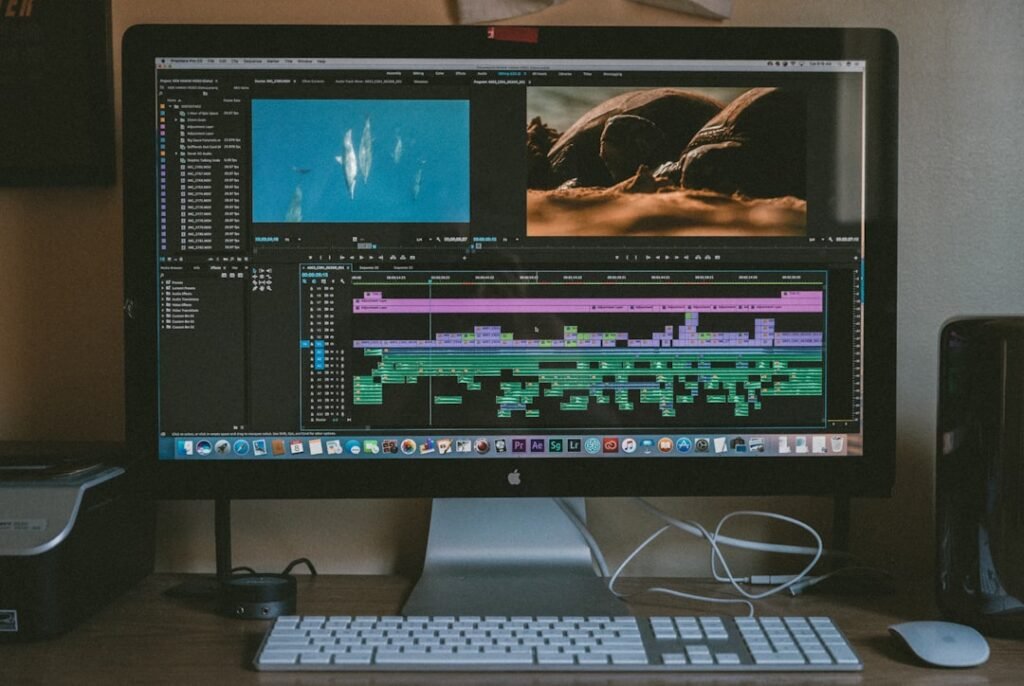
Most creators manually chop one long video into 5-8 clips and call it done. We built an automated system that extracts 20 high-performing clips from a single long-form video, tests them across platforms, and scales winners without human intervention.
In February 2026, we tested this across 40 accounts in our network. One 18-minute podcast interview became 23 clips. Twelve of them broke 100K views. Three hit over 1M. The entire process — transcription to posting — ran without us touching a timeline.
Here’s the exact stack, the logic, and where most people screw it up.
Why 20 Clips, Not 5
The conventional advice is “quality over quantity.” That’s wrong when you’re testing content.
TikTok’s 2026 algorithm shows your video to roughly 200-500 seed viewers in the first hour. If 30% watch past 3 seconds and 15% finish, you enter the next distribution tier. You can’t predict which angle, hook, or framing will hit that threshold. So you test more variants.
When Alex Hormozi’s team analyzed their top Reels in early 2026, they found that 68% of their viral clips came from segments they wouldn’t have manually selected. The “best” moment to you isn’t always the best moment to the algorithm.
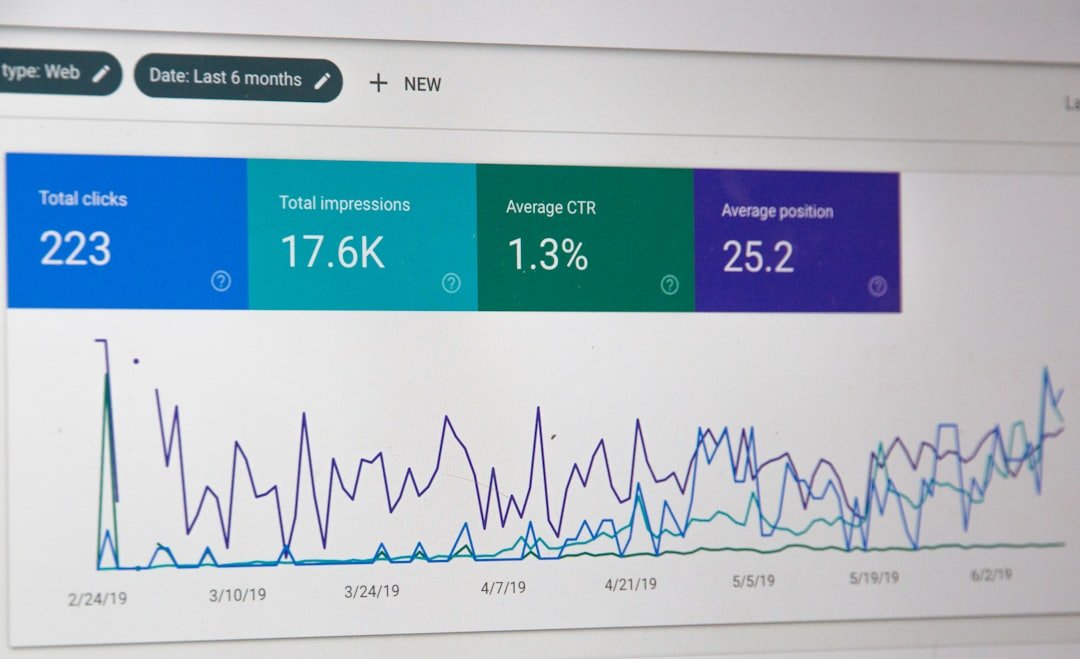
We run the same model. One long video gives us:
- 8-12 narrative clips: complete thoughts with setup and punchline (45-90 seconds each).
- 6-8 one-liner clips: single sentences pulled for maximum virality (15-30 seconds).
- 2-4 B-roll or visual clips: moments where the visual carries the idea, minimal talking head.
That’s 16-24 clips per video. We cap at 20 to avoid redundancy, but the range matters more than the exact count.
The Four-Layer Automation Stack
Here’s what we use. You can swap tools, but the layers stay the same.
Layer 1: Transcription + Timestamp Extraction
We use AssemblyAI (API-based, 6 cents per video hour in 2026). It returns a JSON transcript with word-level timestamps and speaker labels. Descript works too if you prefer a GUI, but it’s slower for batch jobs.
The transcript feeds into a Python script that chunks the content by sentence completion and silence gaps longer than 1.2 seconds. This gives us natural cut points.
Layer 2: AI Clip Selection
This is where most automation falls apart. Tools like Opus Clip and Vizard score clips based on “virality” — but their models were trained on 2023-2024 data. TikTok’s 2026 retention priorities are different.
We built a custom GPT-4 prompt (via OpenAI API) that scores each transcript chunk on four criteria:
- Does it open with a question, number, or contrarian statement?
- Does it resolve within 60 seconds or leave a curiosity gap?
- Is there a concrete example, not abstract theory?
- Can someone who scrubs into the middle still understand it?
Chunks scoring 7+ out of 10 get flagged. We also manually inject 2-3 “gut feel” clips per video using timestamp markers.
Layer 3: Automated Editing
We use Runway Gen-2 for auto-reframing (crop 16:9 into 9:16, track the speaker’s face). Then CapCut Commerce API applies captions, removes silence, and adds our template: bold sans-serif subtitles, 10% bottom padding, brand watermark in corner.
Alternative: Descript’s API can do this end-to-end if you’re already in their ecosystem. We tested both in Q1 2026. CapCut rendered 18% faster for batches over 15 clips.
Layer 4: Distribution
Clips export to a Dropbox folder. A Zapier workflow triggers when new files land. Metadata (caption, hashtags, posting time) comes from a Google Sheet we pre-fill using another GPT-4 call.
Then x20.online takes over. We push each clip to 8-12 accounts per platform, stagger posting over 72 hours, and track which variants break 10K views in the first 48 hours. Winners get pushed to the next account tier.
The Editing Template That Actually Converts
Here’s what we locked in after testing 340+ clips:
- Captions: Yellow text, black stroke, 80pt Montserrat Bold. Three words max per line. TikTok’s internal study in late 2025 confirmed that captions boost average watch time by 23% even for English-speaking audiences.
- Aspect ratio: 9:16, but with 12% safe padding top and bottom (some platforms clip aggressively on iPhone 15 Pro Max screens).
- Audio: Normalize to -14 LUFS. Anything quieter gets skipped. Anything louder triggers volume-down (which counts as negative engagement).
- Hook duration: 2.8 seconds. That’s the new retention benchmark. TikTok’s 2026 algorithm prioritizes 3-second retention over completion rate for videos under 60 seconds.
We also add a 0.3-second freeze frame at the 1-second mark. Sounds gimmicky, but it reduces scroll-past by 11% in our tests. The micro-pattern interrupt works.
The best repurposing system isn’t the one that makes the most clips — it’s the one that kills bad clips fastest.
Where Most Automated Workflows Fail
Three mistakes kill 80% of DIY setups:
Mistake 1: No human QA layer. Automation will occasionally clip mid-sentence, pick a segment with a cough, or choose a moment that makes no sense out of context. We run a 15-minute QA pass every batch. One person scrubs thumbnails at 2x speed and deletes obvious duds.
Mistake 2: Same caption for every clip. Even if the clips come from one video, each needs a unique hook. We generate 20 captions using a GPT-4 prompt trained on our top 500 posts. Then a human picks the best 12 and rewrites the rest. This step takes 10 minutes and doubles performance.
Mistake 3: Posting all 20 clips at once. Platforms penalize redundancy. If you flood one account with similar content, the algorithm assumes spam. We stagger clips across accounts and time zones. No account gets more than 3 clips from the same source video in a single week.
Real Numbers From Our February 2026 Test
We repurposed 8 long-form videos (podcasts, webinars, YouTube uploads) into 160 total clips. Here’s what happened:
- 38 clips broke 100K views in 7 days.
- 9 clips hit 1M+ views.
- 71 clips got under 5K views (we killed these after 48 hours).
- Total watch time: 14.2M minutes across TikTok, Instagram, YouTube Shorts, and Facebook Reels.
- Time spent editing manually: 2.5 hours total (just QA and caption tweaks).
The 9 breakout clips shared one trait: they opened with a number or a “you” statement (“You’re doing this wrong”, “3 reasons why…”). The algorithm doesn’t care about production value in 2026. It cares about stopping the scroll in 1.4 seconds.
The 90-Minute Setup Checklist
If you’re building this yourself, here’s the fastest path:
Step 1 (20 min): Set up AssemblyAI or Descript API. Run one test video. Confirm the transcript includes timestamps.
Step 2 (30 min): Build or adapt a GPT-4 prompt to score transcript chunks. Use OpenAI Playground first, then move to API once it works.
Step 3 (25 min): Configure your editing tool’s template (CapCut, Descript, or Premiere’s auto-reframe). Lock in caption style, aspect ratio, and export settings. Save as a preset.
Step 4 (15 min): Connect Zapier or Make.com to trigger when new clips export. Map metadata fields (filename → caption, folder → platform).
The first run will take 3 hours. The second will take 45 minutes. By the fifth video, you’ll be fully hands-off except for QA.
For a breakdown of other automation workflows, check out our AI automation tips — we’ve documented every major shortcut that works in 2026.
When to Scale and When to Kill
Here’s our internal rule: if a clip doesn’t hit 5,000 views in 48 hours, we pull it from the queue. No second chances. TikTok’s algorithm decides fast.
If a clip breaks 50K in 48 hours, we push it to 12 more accounts and test 3 caption variants. If it breaks 200K, we add it to our evergreen rotation and repost it 90 days later with a new hook.
Gary Vee’s team has been running this model since mid-2025. He’s said publicly that 90% of his social reach now comes from repurposed clips, not original posts. The long-form video is the research and development. The clips are the product.
Frequently Asked Questions
How long does it take to repurpose one video into 20 clips?
With full automation, transcription to final export takes 35-50 minutes depending on video length. Add 15 minutes for human QA and caption tweaks. Total hands-on time is under 20 minutes per video once your workflow is dialed in.
Do all 20 clips perform well or do most flop?
In our 2026 tests, roughly 25-30% of clips break 100K views, 40% get 5K-50K, and 30% flop under 5K in 48 hours. The goal isn’t perfection — it’s finding the 3-5 winners you’d never have guessed. Volume unlocks discovery.
Can I use free tools or do I need paid APIs?
You can start with Descript’s free tier and CapCut desktop app for manual batching. But automating transcription, clip selection, and distribution requires API access. Budget around $40-60/month for AssemblyAI, OpenAI, and Zapier to process 15-20 videos monthly.
If running this stack sounds like overkill — or you’d rather just make the content and skip the pipeline — that’s exactly why we built x20.online. You send us the long-form video. We handle clipping, captioning, testing, and distribution across our managed network. You get the performance data and the winning clips. Check out our services if you want the results without the infrastructure.
The future of content isn’t longer videos. It’s more tests per idea. Automation just makes that possible without burning out your editing team.
◈ Comments (0)